How to Build City Pages That Don't Feel Like Spam
Service area pages can bring in local traffic or get ignored as copy and paste filler. The difference is what you put on them.
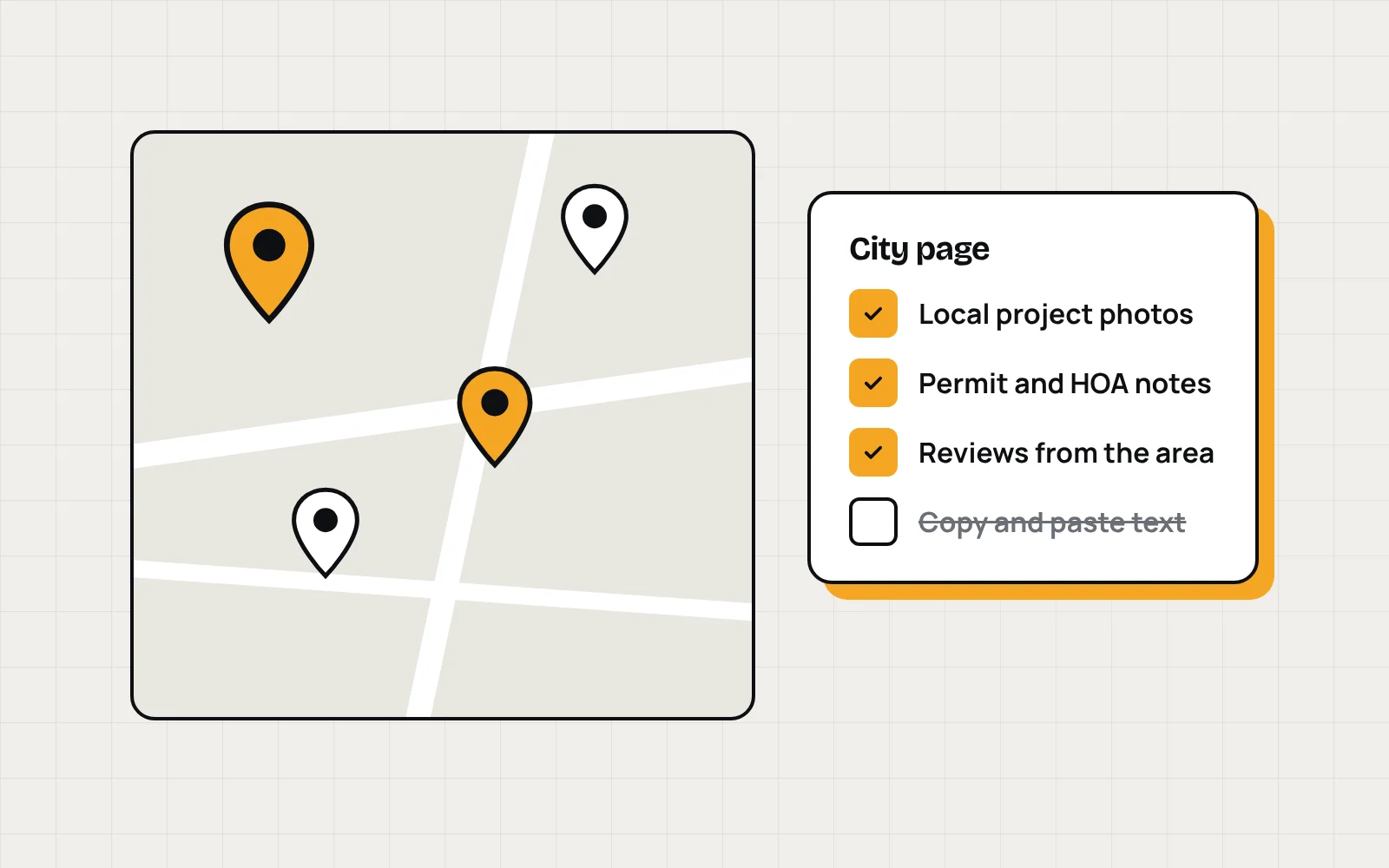
If your business serves more than one city, you've probably heard you need a page for each one. That's mostly true. The problem is how most of those pages get built: one template, the city name swapped out, and the same paragraphs everywhere else.
Google is good at spotting that, and so are customers.
Start with cities you actually serve
Only build pages for places where you do real work and want more of it. Ten strong pages beat fifty thin ones.
Give each page something local
- Photos from jobs in that city
- A short write up of a recent project there
- The neighborhoods or communities you work in
- Local details that matter for the job, like permit rules, HOAs, or weather
- Reviews from customers in that area
If you can't come up with anything specific for a city, that's a sign it doesn't need its own page yet.
If a page would read the same with a different city name, it isn't finished.
Keep the basics consistent
Every city page still needs a clear title with the service and the city, an easy way to call or request a quote, and links back to your main service pages. Link to the city pages from a service area section on your site so people and Google can find them.
Don't fake an address
City pages aren't the place to invent locations. If you don't have an office in a city, don't list one. Describe the area you serve and let the work speak for itself.
Add them over time
You don't need every city on day one. Start with the areas that bring in your best jobs, then add a page whenever you have a few projects and photos to show from somewhere new.
Want help planning your service area pages? Start a project at Novoslate.