How I Read a Search Terms Report
Keywords are what you bid on. Search terms are what people actually typed. Here's how I go through the gap between them.
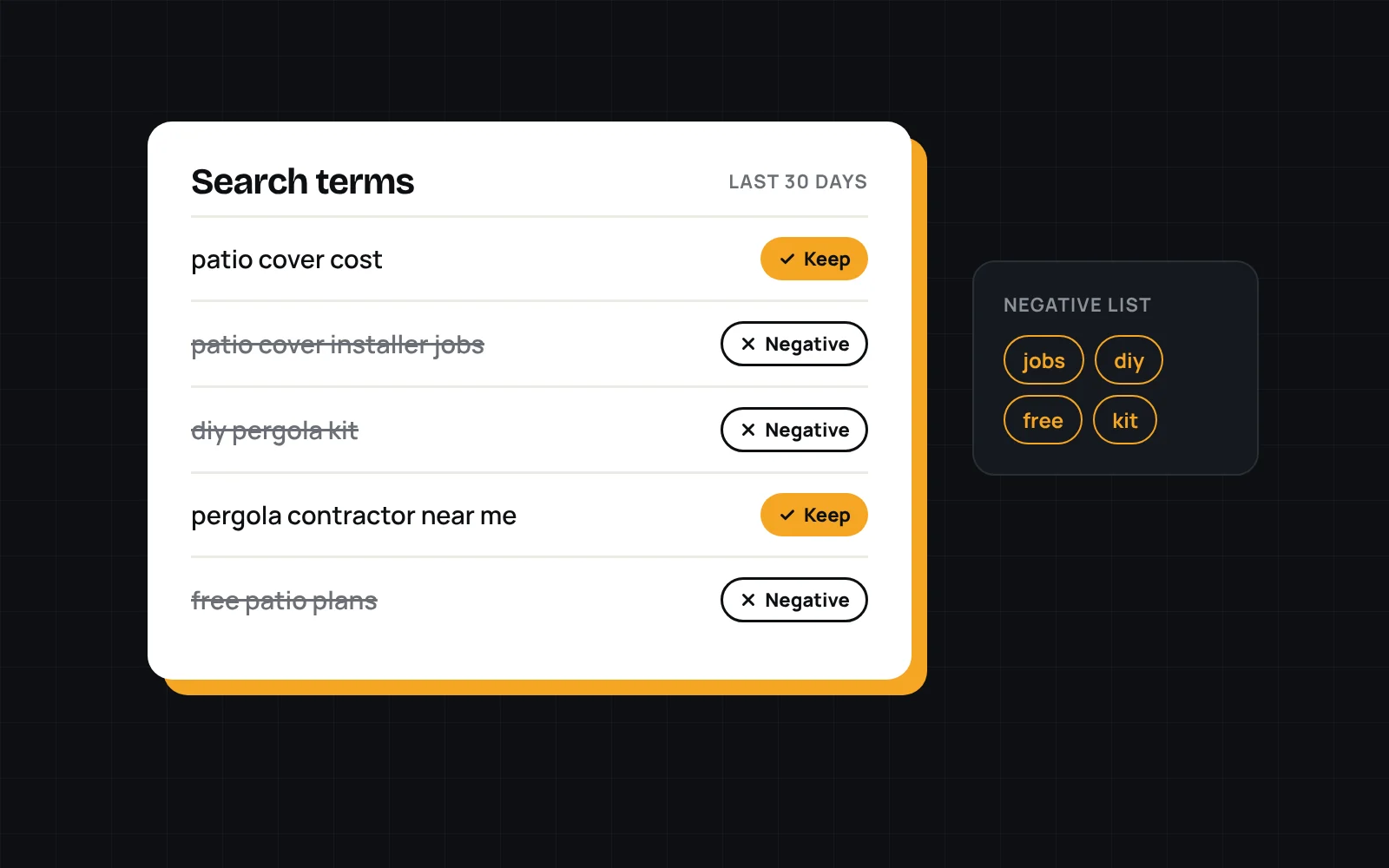
You bid on "patio cover contractor." Google shows your ad for "patio cover installer jobs." Someone looking for work clicks it, and you pay for that click.
That's the gap between keywords and search terms, and it's where a lot of ad budget quietly disappears. The search terms report shows you exactly what people typed before they clicked. If you only look at one report in Google Ads, make it this one.
Where to find it
In Google Ads, open Insights and reports, then Search terms. Set the date range to the last 30 days and sort by cost, so the terms spending the most money are at the top.
Sort every term into three buckets
- Keep. It matches what you sell, where you sell it. Leave it alone, or add it as its own keyword if it's spending a lot.
- Negative. It will never turn into a customer. Add it as a negative keyword.
- Watch. Not sure yet. Give it a couple more weeks and look again once there's more data.
Patterns that show up in most service accounts
- Job seekers: "installer jobs," "careers," "hiring"
- DIY: "how to build," "kit," "plans"
- Freebies: "free," "cheap," "template"
- Wrong service: things the business doesn't offer
- Wrong location: cities outside the service area
If you only look at one report in Google Ads, make it this one.
Use shared negative keyword lists
Instead of adding negatives one at a time to each campaign, build negative keyword lists in the shared library under Tools and apply them across campaigns. One list for jobs, one for DIY, one for locations you don't serve. When a new campaign launches, the junk is already blocked.
Watch your match types
Broad match keywords pull in the widest range of search terms. That's not always bad, but it makes this report even more important. If a broad match keyword keeps bringing in junk, try phrase match instead.
Make it a habit
Ten minutes going through search terms is one of the highest value things you can do in a small account. Put it on the calendar and stick to it.
Want someone to manage this for you? Novoslate runs Google Ads for service businesses.