My Pre-Launch Checklist for Every Website
The small stuff that breaks on launch day, and the checks I run so clients never see it.
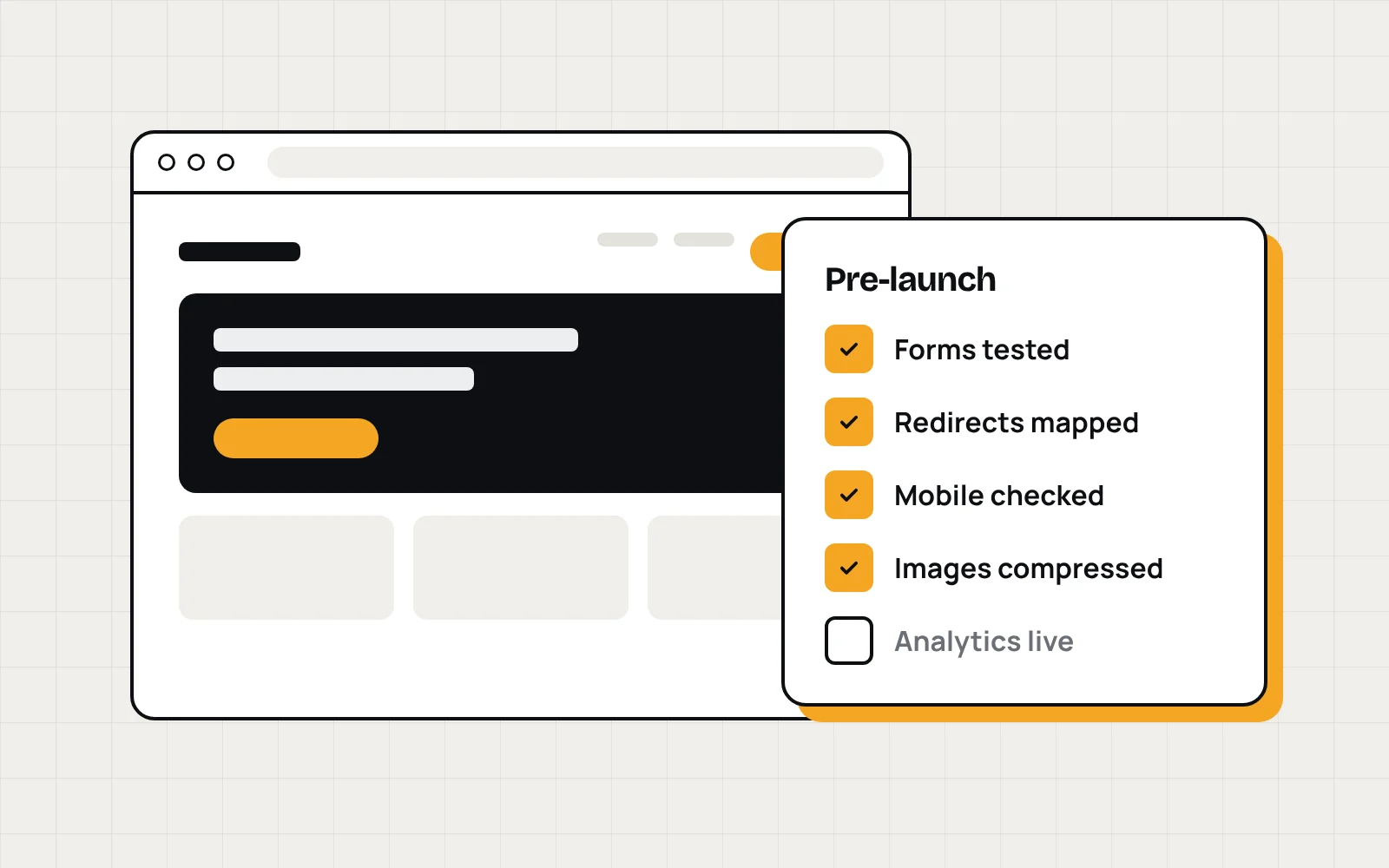
Launch day is when small mistakes get expensive. A contact form that emails nobody. A missing redirect that wipes out years of Google rankings. A phone number you can't tap on a phone. None of it is hard to fix. It's just easy to miss.
Here's the list I go through before any site goes live.
1. Forms and leads
- Submit every form yourself and confirm the email arrives. Check the spam folder too.
- Make sure the thank you message or page actually shows up.
- If you track conversions, confirm the event fires once, not twice.
On a lead-focused site, this is the whole point. If the form breaks, nothing else on this list matters.
2. Redirects
If the new site replaces an old one, every old URL that gets traffic needs a 301 redirect to its new home. Pull the list of old URLs from Google Search Console or a crawl before you switch anything over.
This is the step that gets skipped most, and it's the one that costs rankings.
3. Mobile, on a real phone
For most local service businesses, the majority of visitors are on a phone. Test on an actual phone, not just a narrow browser window:
- Tap the phone number. It should start a call.
- Open the menu, scroll every page, and fill out the form.
- Make sure nothing scrolls sideways.
4. Speed and images
Compress images and use a modern format like WebP. Lazy load anything below the fold. Then run the homepage and one service page through PageSpeed Insights and fix the obvious issues it flags.
5. SEO basics
- Every page has its own title and meta description.
- One H1 per page.
- The sitemap is submitted in Search Console.
- On WordPress, "Discourage search engines" is turned off. It's easy to forget after building on a staging site.
If the form breaks, nothing else on this list matters.
6. Tracking
Analytics installed, conversion events working, Search Console verified. You can't improve what you can't measure, and the first few weeks after launch are when you'll want that data most.
Automate the repetitive parts
I got tired of running the repetitive parts of this by hand, so I built a crawler that handles a lot of it. The manual checks still matter, though. A crawler won't tell you the form copy is confusing or the hero photo is the wrong one.
Want a site that's built and launched this way? Start a project at Novoslate.