Why I Built Quiver
My prompts, skills, and agents were scattered across a dozen folders. So I built a Mac app to keep them in one place.
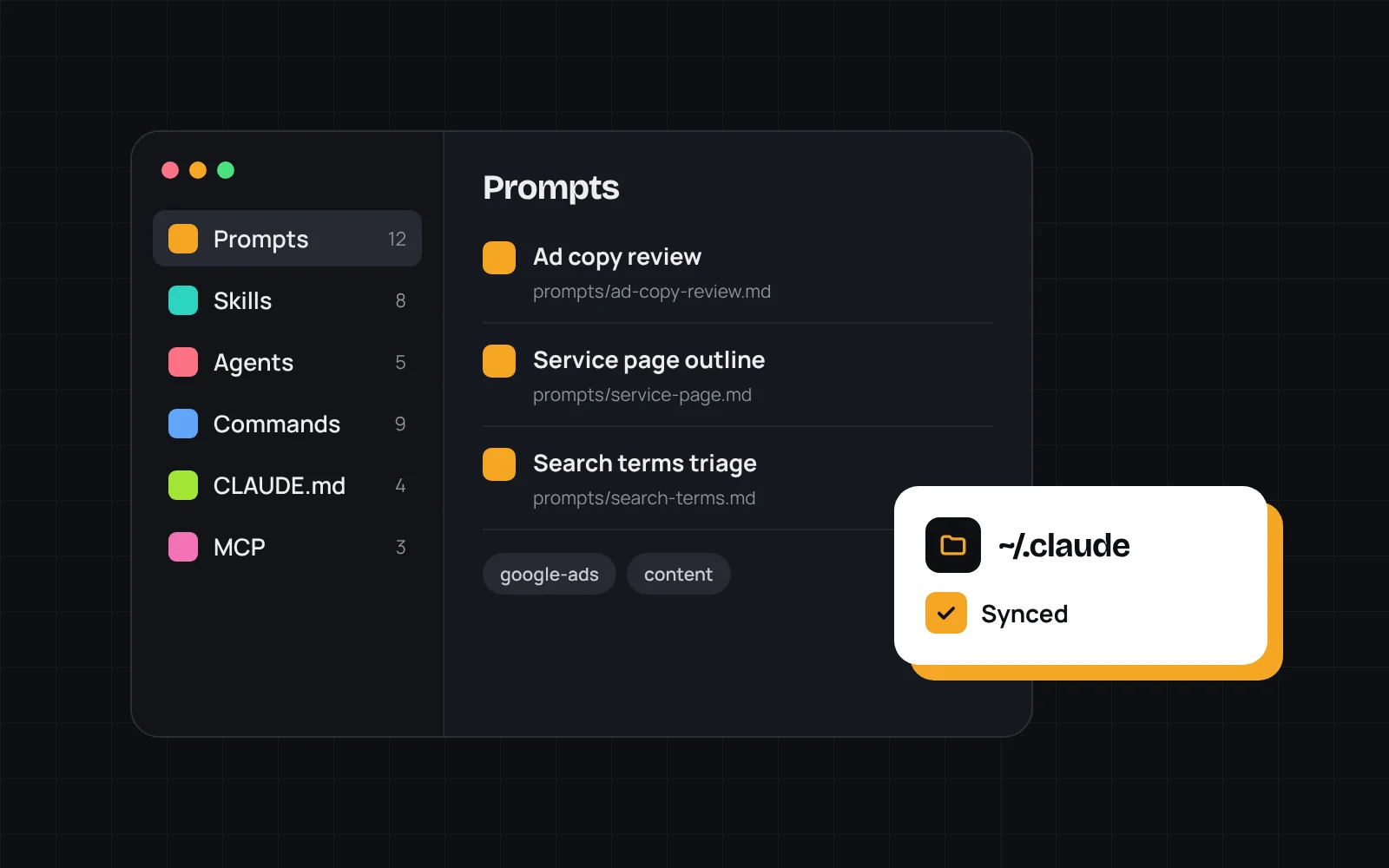
Over the past year, AI went from something I tried now and then to something I use every day. Client work, internal tools, writing. And with that came a pile of files: prompts I reuse, Claude Code skills, agents, slash commands, a CLAUDE.md for every project, MCP configs.
They lived everywhere. Some in ~/.claude, some in project repos, some in Apple Notes, a few in a text file on my desktop. When I needed one, I'd spend five minutes hunting for it, or I'd rewrite it from memory. Usually worse than the original.
The problem wasn't storage
Folders are fine for storing files. The problem was finding the right one at the right moment and knowing which version was current. A prompt I'd tuned for writing ad copy would get copied into three places and slowly drift apart.
I wanted one library. Open it, search, copy, done.
What Quiver does
Quiver is a Mac app that keeps all of it in one place, sorted by type:
- Prompts, skills, agents, and commands
- CLAUDE.md files for each project
- MCP configs and reusable variables
- The repos they belong to
It syncs with my ~/.claude folder, so what I edit in Quiver is what Claude Code actually uses. No more copying files back and forth. Tags cut across everything, so I can pull up every item for a client or a tool in one click.
The goal was simple: stop rewriting things I'd already written.
Building it with Claude Code
Building a native Mac app isn't my day job. I built Quiver with Claude Code, which made it realistic to ship in my spare hours. I'd describe what I wanted, review what it wrote, test it, and push back when something felt off.
There's something fitting about it. The app that organizes my AI workflow was built with that same workflow, and every rough edge I hit while building it turned into a feature request.
Where it's at
Quiver is still in development. I use it every day and keep working through the rough spots. If you work with Claude Code, I'd like to hear how you keep track of your own setup. Send me a note.