What Actually Goes on a Service Page That Converts
Your service pages are where people decide whether to call. Here's what I put on every one, and a quick check you can run this week.
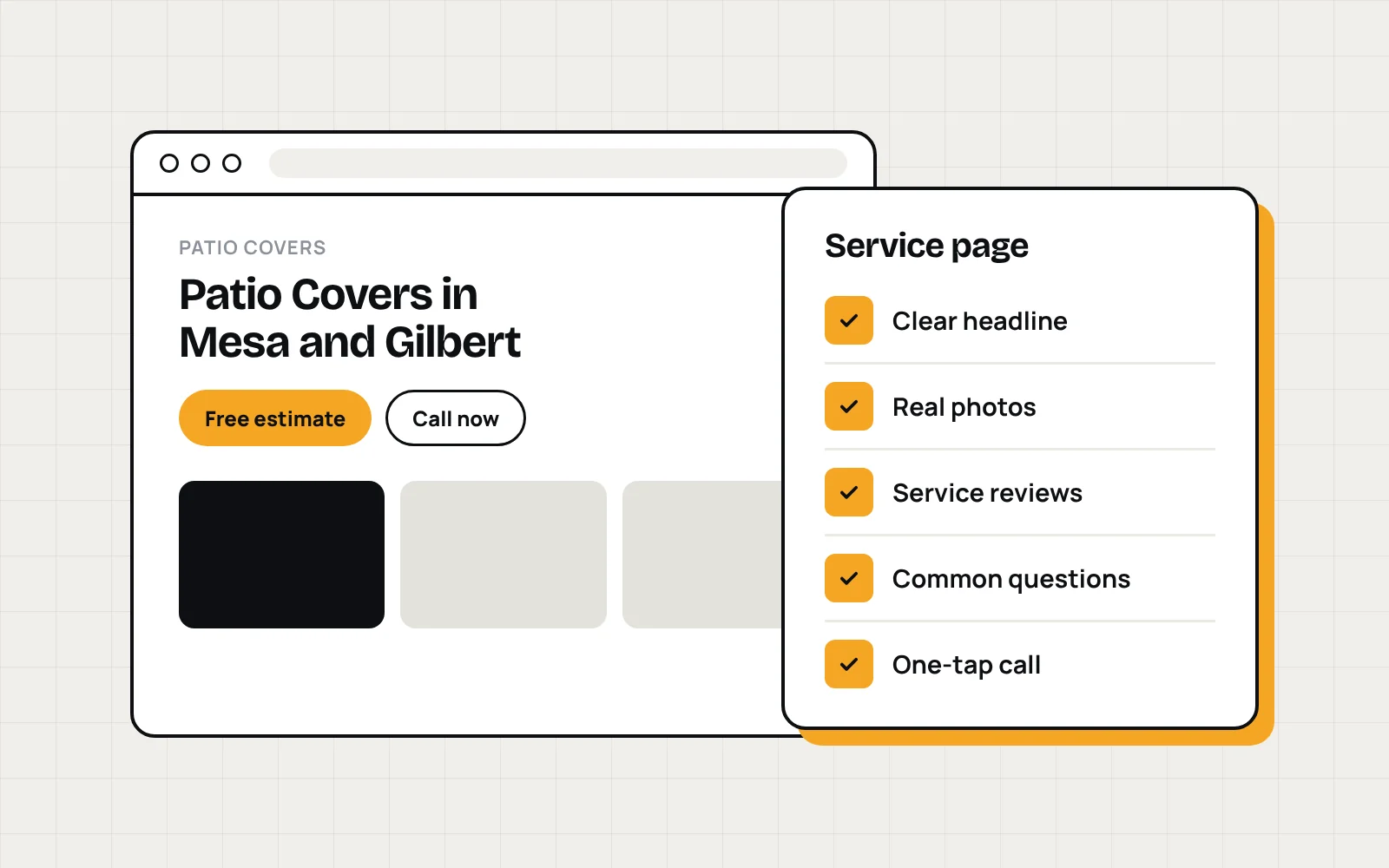
Most contractor websites have a page for each service. Patio covers, pavers, outdoor kitchens, whatever the business does. And on a lot of those sites, every service page is three paragraphs of general copy, a stock photo, and a contact form at the bottom.
Those pages exist, but they don't do much. The service page is usually where someone decides whether to call you, so it's worth building it on purpose.
Here's what I put on every one.
Answer the first question right away
When someone lands on a service page, they want to know two things fast: do you do this exact job, and do you do it where I live. The top of the page should answer both.
- A headline that names the service and the area, like "Aluminum Patio Covers in Mesa and Gilbert."
- One sentence on who it's for and what makes your version of it different.
- A phone number and a quote button, visible without scrolling, on a phone.
- One real photo of your work. Not stock.
If a visitor has to scroll to figure out whether they're in the right place, some of them will just hit back.
Show the work, not adjectives
Every contractor says they're reliable, professional, and focused on quality. Nobody believes it from the words alone. What people believe is proof.
- A small gallery of jobs for this specific service. Six good photos beat thirty random ones.
- Two or three reviews that mention this service by name. A review about a great paver job means more on the pavers page than a general "great company."
- A short project write up: what the homeowner wanted, what you built, how long it took.
If you do great work but don't have photos, that's the first thing to fix. Take them at the end of every job, even with your phone.
A service page should answer the questions you hear on every estimate, before the customer has to call and ask.
Answer the questions you get on every call
You already know what people ask. How long does it take? Do I need a permit? What's the difference between this material and that one? What does it roughly cost, or what drives the price?
Put those answers on the page. A short process section works well here:
- Free estimate and measurements
- Design and quote
- Permits, if the job needs them
- Build
- Final walkthrough
Then add a few common questions with honest, short answers. If you don't want to publish prices, you can still explain what makes a job cost more or less. That alone builds trust, and it filters out people who were never going to be a fit.
Make the next step obvious
Don't make people hunt for how to reach you. I put a call to action near the top, one in the middle after the proof, and one at the end. Same offer each time, worded plainly: "Get a free estimate" works better than "Submit."
Keep the form short. Name, phone, email, city, and a box to describe the project is usually enough. Every extra field is a reason to quit halfway.
And link to related services. Someone looking at patio covers might also want lighting or pavers. A short "related services" section keeps them on your site instead of back on Google.
What to do this week
Pick your most profitable service and open that page on your phone. Ask yourself:
- Can I tell what this is and where it's offered without scrolling?
- Is there at least one real photo and one review about this service?
- Does it answer the top three questions I hear on estimates?
- Can I call or request a quote in one tap?
Fix whatever fails, then move to the next service. If you serve several cities too, the same thinking applies to city pages that don't feel like spam.
Want a second set of eyes on your service pages? Novoslate builds websites for service businesses and can help.