How I Write Prompts I Can Reuse
A good prompt is worth saving. Here's how I write them so they work again next week, for a different client.
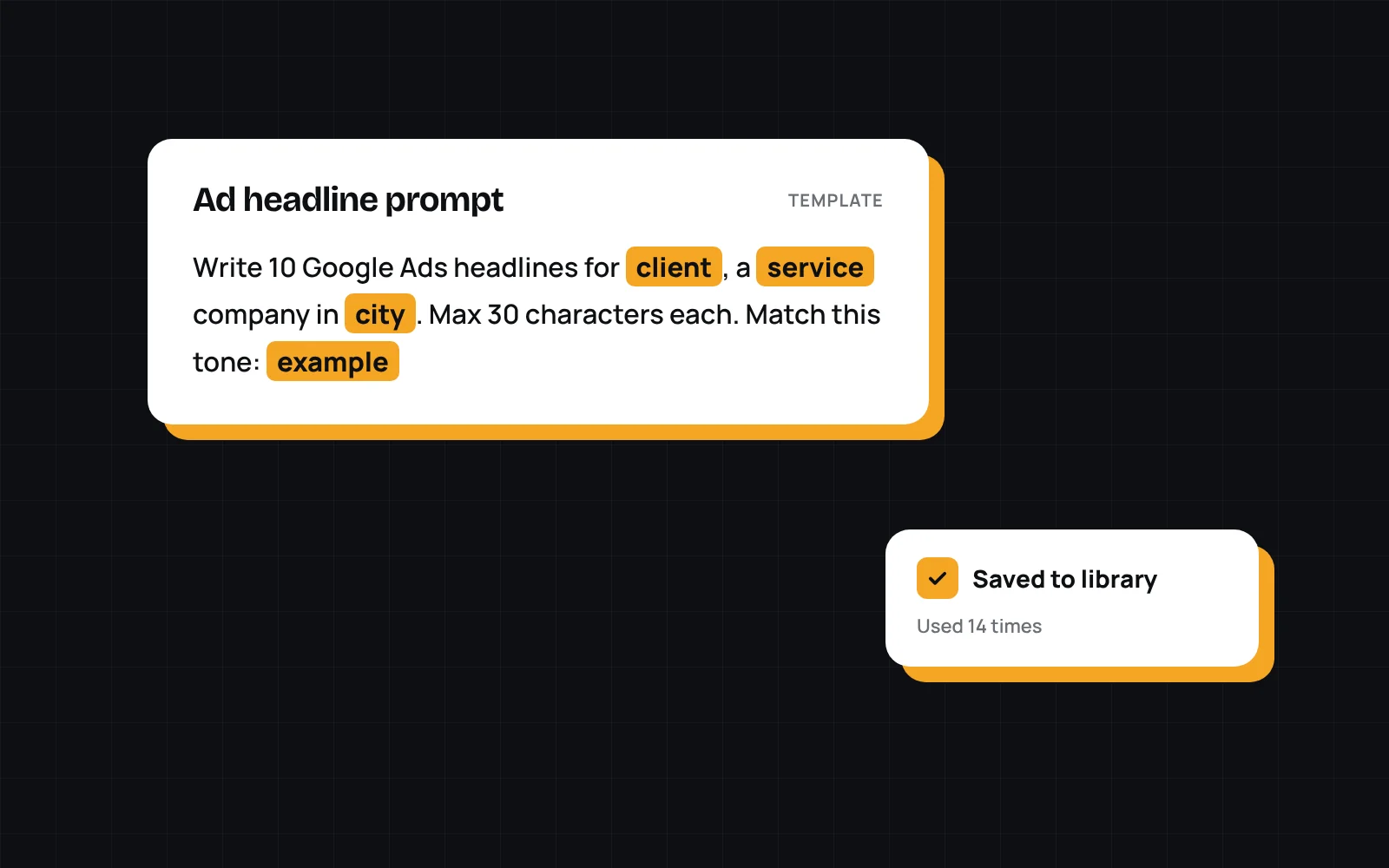
I used to write a fresh prompt every time I asked AI for help. Sometimes it worked great. Then a week later I'd need the same thing for a different client and couldn't remember what I'd typed.
Now I treat good prompts like templates. Here's how I write them.
Give it the job, not just the task
Start with who the work is for and what the output will be used for. "Write ad copy" gets generic results. "Write Google Ads headlines for a patio cover contractor in San Diego, aimed at homeowners comparing quotes" gets something you can actually use.
Pull the specifics into variables
Anything that changes between uses becomes a placeholder: the client, the service, the city, the tone. The rest of the prompt stays the same. When I reuse it, I only fill in the blanks.
Spell out the format
Say exactly what you want back. Character limits, how many options, headings, a table. If the output is going straight into Google Ads or a website, say so.
Include an example
One good example of the output does more than a paragraph of instructions. If you have a version you liked, paste it in and say "match this."
A prompt that worked once is worth saving. A prompt that works every time is worth even more.
Save it somewhere you'll find it
This is the part I kept skipping, and it's the reason I built Quiver. Whatever you use, keep your best prompts in one place, name them so you can find them, and update them when you improve them.
Reusable prompts turn one good result into a repeatable process. That's where the real time savings come from.